
Ever wondered if your Garmin golf watch could be slowing you down on the course? Maybe it's time for a little tune-up with a firmware update.
Updating your watch can be as smooth as a perfect swing. Garmin Express makes it simple, kind of like a crisp, solid hit off the tee, while Garmin Connect keeps your watch in sync even when you’re on the move.
This guide shows you how to easily update both your firmware and course data. That means you'll enjoy better performance and see more accurate layouts, so you feel like you're playing on a course built just for you.
Imagine the satisfying sound when your new update powers up your watch, making every shot count. Ready to give your tech a boost and elevate your game? Let’s tee off and see what’s possible.
garmin golf watch updates: Upbeat Firmware Boost
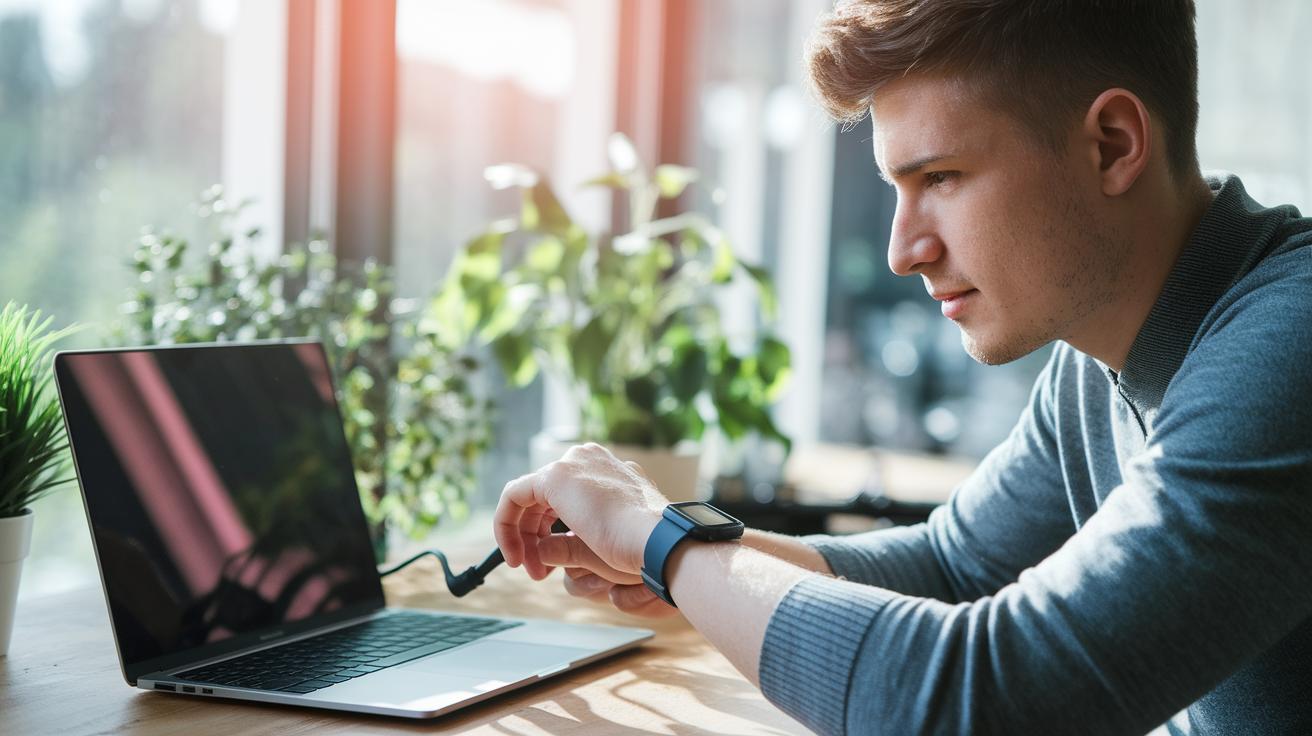
Want to keep your Garmin golf watch in tip-top shape with the newest firmware and course data? Here’s a simple way to do it using Garmin Express on your desktop and Garmin Connect on your mobile. First off, make sure your desktop app is up to date. Garmin Express makes updating as smooth as that perfect drive off the tee, and if you ever feel stuck, the support article is like your friendly caddy ready with advice.
- Connect your watch to your computer with the USB cable that came with it.
- Open Garmin Express. The app will automatically check for any new firmware and course data while you relax.
- When you see the prompt, select the firmware update. This update even rearranges the order of the holes for more accurate course layouts.
- Click the install button to kick off the update. The download script will run, installing everything without changing your watch settings.
- Once the process wraps up, unplug your watch and give it a quick power cycle to let the changes take effect.
- On the go? Open Garmin Connect on your phone. This app gets updates more frequently than the Garmin Golf app and will sync your data to show your watch’s updated status.
- If you run into any hiccups, check out the software catalog matrix or setup guide chart in the support article for some handy troubleshooting tips.
Follow these steps, and you’ll have the latest firmware and the most accurate course data ready to go. Always keep the support material close by if any step gives you pause.
Garmin Golf Watch Updates: New Features & Performance Enhancements
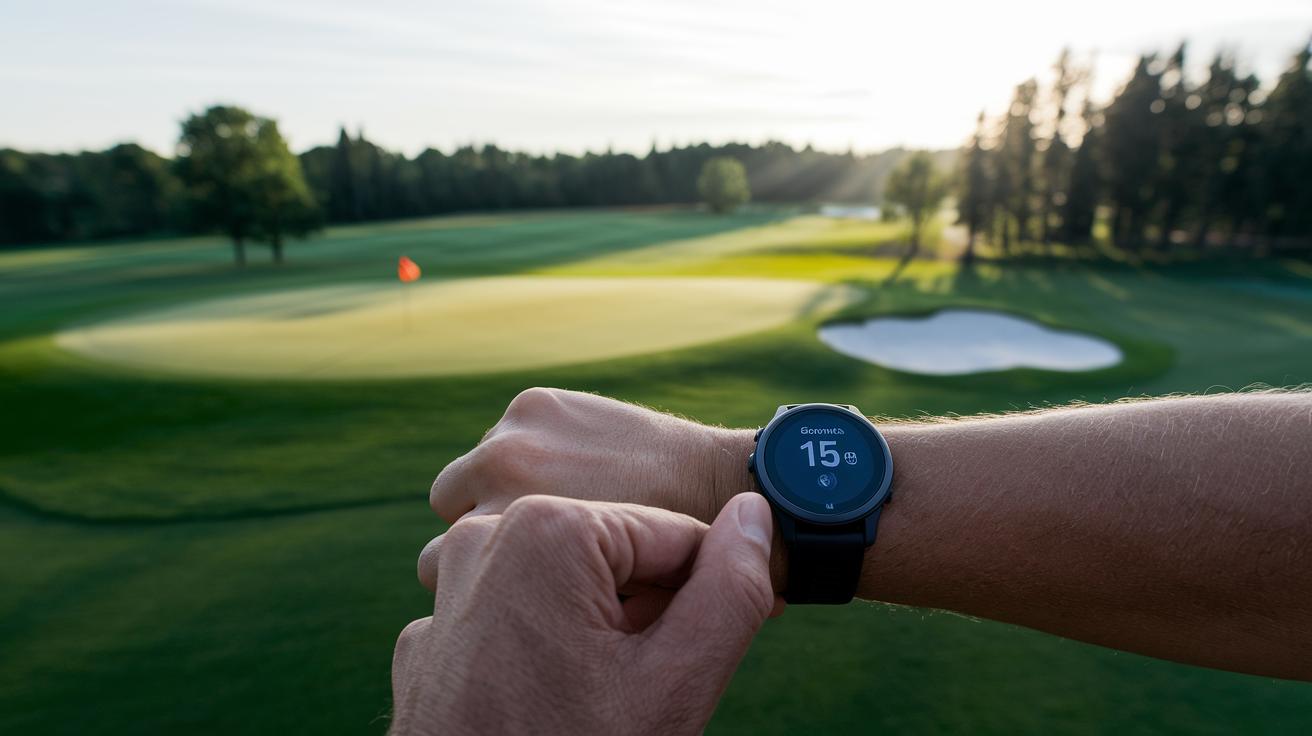
The newest update brings a real boost to your watch’s performance analytics by integrating upgraded software with the Clippd platform. Now, advanced shot analytics are sent right to your wrist, helping you fine-tune your game effortlessly. Garmin has improved how it measures your putting and tracks your swing, so you get a clearer, more detailed look at your game with every round. Plus, the update funnels key data through both the Garmin Golf app and the Connect Mobile app, making it super easy to view personalized tips and monitor your progress.
Clippd now offers tailored improvement plans that focus on hitting your sweet spot, from boosting player quality to refining shot quality. The service starts at £20/$20 per month, and if you’re part of a team, there are annual plans available for over $3,500. It also streamlines data reporting, giving you quick insights while you play. Key metrics highlighted in this update include:
- Player quality
- Shot quality
- Enhanced putting measurements
- Digital swing improvement
These clear, detailed stats help you understand your performance better and guide your next steps on the course. Whether you’re tracking basic stats or looking for that extra digital edge, this update is here to make your next round more insightful and enjoyable.
Garmin Golf Watch Updates: Compatible Models & Version History
Garmin’s freshest firmware update covers a bunch of models like the Approach S-series, G-series, and Fenix series watches. Both the Garmin Golf app and the Garmin Connect Mobile app work with these models, but the Connect app gets new features and fixes a bit faster. So if you're keen on seeing the latest improvements, check your phone first.
Garmin doesn’t share detailed version numbers or long release notes publicly. Instead, you can look at the version control log and system ledger schedule by launching Garmin Express on your computer or opening the Connect app. It’s a bit like checking your scorecard after a good round, keeping track of every update and change. Just head to the right section in Garmin Express or the Connect app if you want to follow your device’s firmware history.
Garmin Golf Watch Updates: Troubleshooting Common Issues
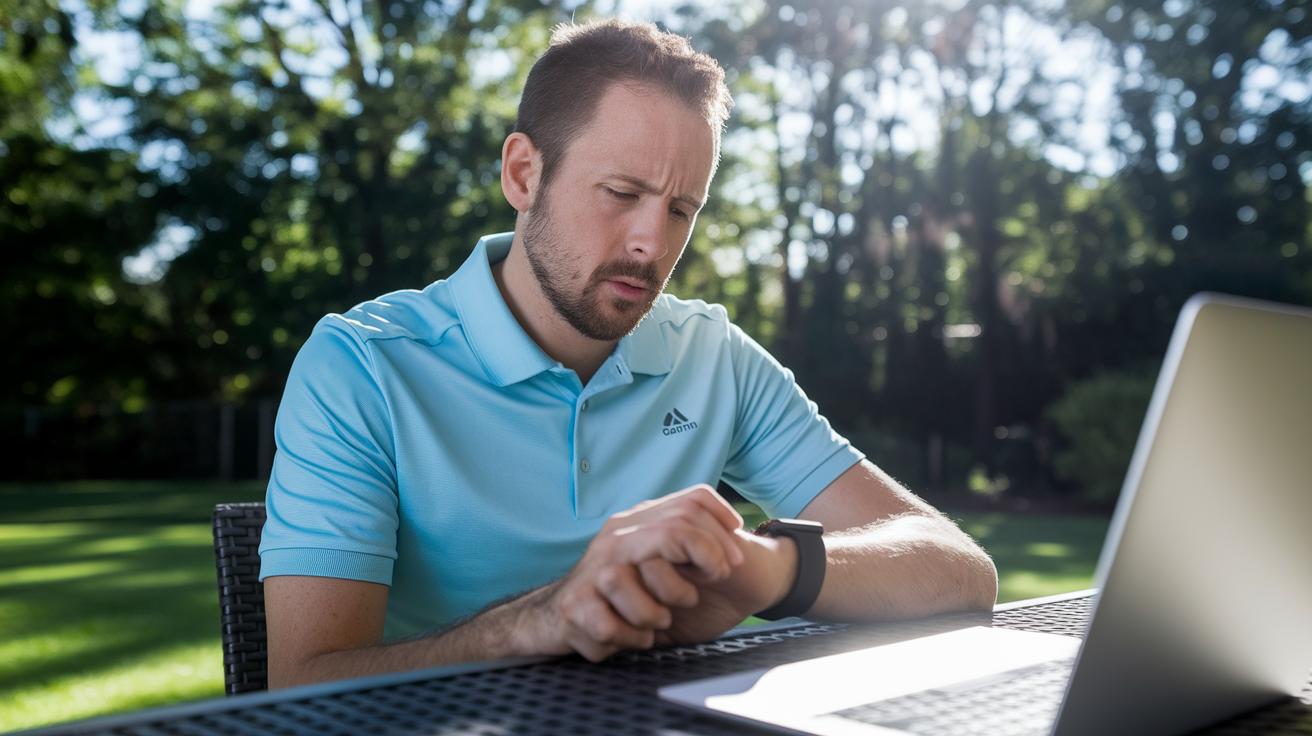
Garmin keeps working hard on its Golf and Connect Mobile apps to make sure everything runs smoothly on the course. Sometimes, you might run into small issues when updating firmware or course data, like connection problems with Garmin Express. One common hiccup is when your watch doesn't sync up with the latest course layouts. Other times, it might freeze mid-update, which can really throw off your rhythm. But don’t worry! Garmin rolls out regular bug fixes to iron out these issues so you can get back to enjoying your game.
When you notice something’s not right, try these steps one at a time:
- Connection error during update – Unplug your device, reconnect the USB cable, and make sure your desktop app is current.
- Course data not syncing – Restart Garmin Express and try syncing again.
- Watch freezing during firmware update – Give your watch a quick power cycle.
- Incomplete installation alert – Cancel the current update and start over.
- Unexpected error messages – Check the latest bugfix notes for any known issues and suggested fixes.
Garmin Golf Watch Updates: Official Guidance and Troubleshooting
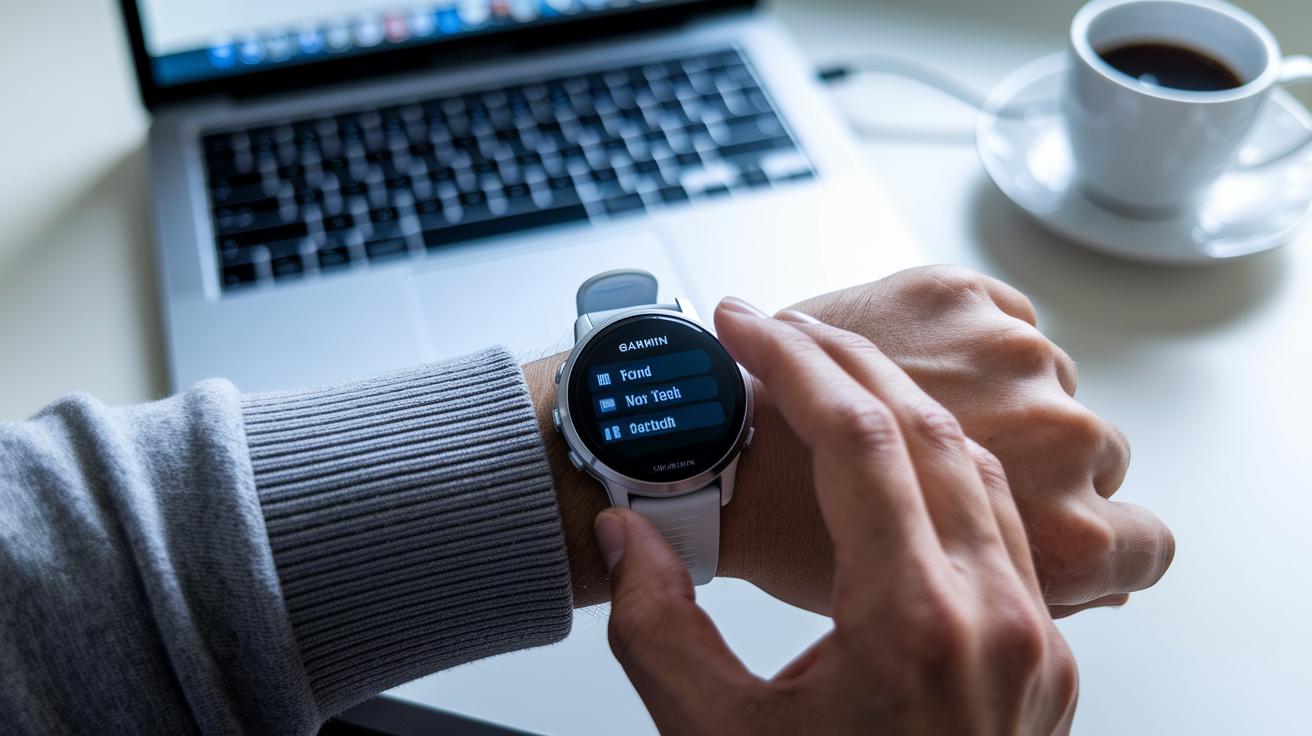
Update Process
Getting your Garmin Golf Watch updated is super simple. Just use Garmin Express on your computer or open Garmin Connect on your phone. Your device will automatically check for and download the newest firmware and course info. For example, I opened Garmin Connect, hit the update button, and within minutes, my watch was sporting the latest improvements.
Troubleshooting & Rollback Policy
If the update doesn’t work out, try restarting your watch and running the update again. Detailed steps are available on the official support pages. Keep in mind that there’s no standard rollback option. If problems stick around, just reach out to support for help. I remember when I ran into an error, I restarted my device and contacted support, and they sorted it out pretty quickly.
Official Support Resources
- Garmin Support Home
- Firmware Update Guide
- Troubleshooting and FAQ Resource
- Garmin Express Help
- Update Download and Guidance Page
Garmin Golf Watch Updates: Comparing Latest & Previous Releases

Garmin's newest update is a game changer, packed with advanced shot-metric tools and Clippd integration. This means golfers get a fuller picture of their game. Ever felt the satisfying snap of a perfect drive? Now, you can see your performance data, like shot accuracy and overall quality, in crystal clear detail, almost like having a friendly coach by your side.
Before, Garmin's updates mostly fine-tuned course maps and simple yardage numbers. But this time around, they've layered on more detailed game metrics that let you truly understand your swing. The update comes with a few big improvements:
- Improved shot analytics to help shape your game plan.
- Clippd integration that offers custom tips for better play.
- A smoother app experience that keeps all your data connected.
This release is a clear turning point for Garmin. It dives deeper into your swing details and sets a new standard for accuracy that you'll really appreciate on the course.
Final Words
In the action, the article swept through step-by-step instructions for firmware and course data installation via Garmin Express and Connect Mobile. It highlighted fresh on-watch analytics and performance upgrades while detailing compatible models and key version changes. The post also tackled common glitches with quick fixes, answered top FAQs, and compared recent updates with earlier releases. With garmin golf watch updates bringing smarter tracking and more reliable performance, every round feels more connected and fun. Enjoy the new features and a smoother, more rewarding game.
FAQ
What are the Garmin golf watch updates today?
The Garmin golf watch updates today bring fresh firmware and course data, boosting performance and adding improved shot analytics to enhance your playing experience.
What is Garmin Express and how do I download it?
The Garmin Express serves as a desktop tool that guides you through installing firmware and course data updates on your watch, making device management straightforward.
How do I update golf courses on my Garmin watch (S62, Fenix 6, S2, S10, S20)?
The Garmin golf course update process uses either Garmin Express or the Connect Mobile app to fetch and install the latest course information, ensuring your course data and mapping remain accurate.
Can a Garmin golf watch be updated?
Yes, a Garmin golf watch readily accepts updates for both firmware and course data, giving you new features and enhanced performance to enjoy on the course.
How do I check for updates on my Garmin watch?
The Garmin watch signals available updates via Garmin Express or the Connect Mobile app; simply check these tools to review update logs and current firmware versions.
Can I update my Garmin without a computer?
The Garmin update process is available over-the-air through the Connect Mobile app, allowing you to refresh your watch’s firmware and course data without using a computer.

